
Transition Assistant: The Free Plugin to work with Transitions Effects
Introduction
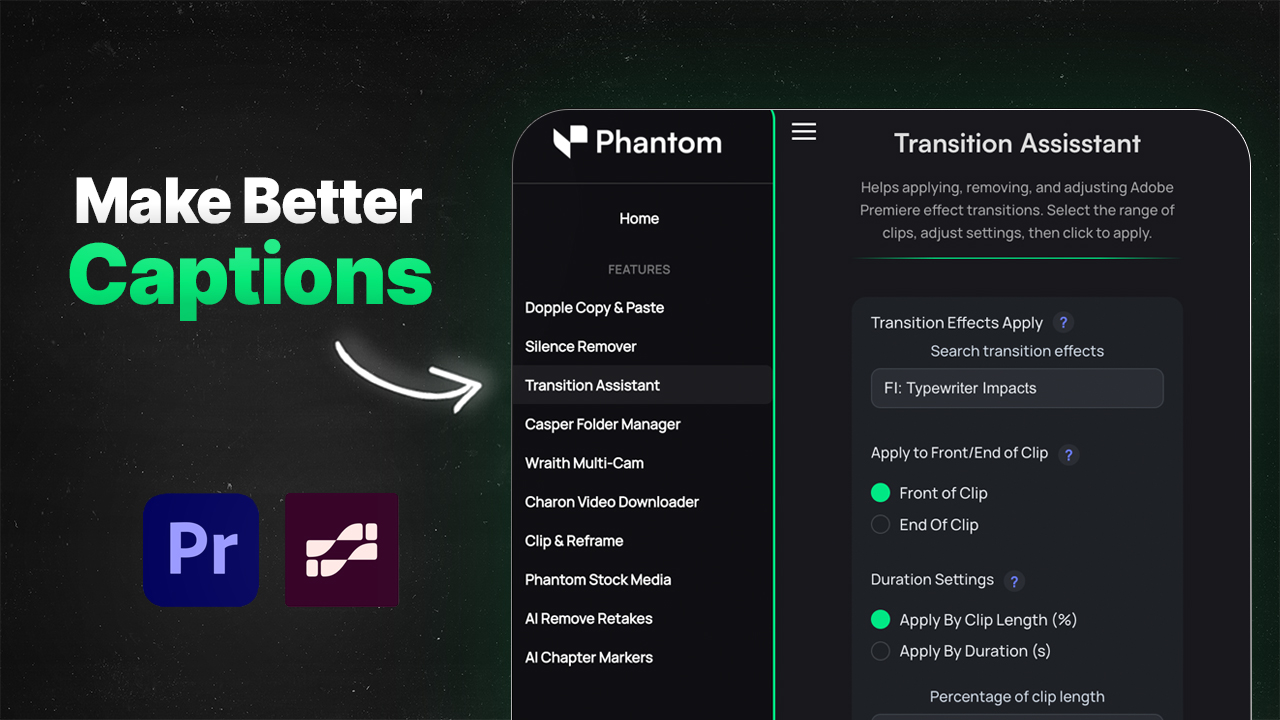
Transition Assistant helps editors work with transitions effects in Adobe Premiere Pro. Making it easier for editors to apply transitions that they want, at scale, with the ability to change and or remove them.
What is Transition Assistant?
Transition Assistant is a free tool in the Phantom Plugin to help users apply, remove, and change transitions effects in Adobe Premiere at scale. This could be used to help editors create better captions/graphics using Premiere Pro's default Transitions without the need to individually copy and paste effects one by one.
Check out our video about it!
Features
Transition Effects Apply
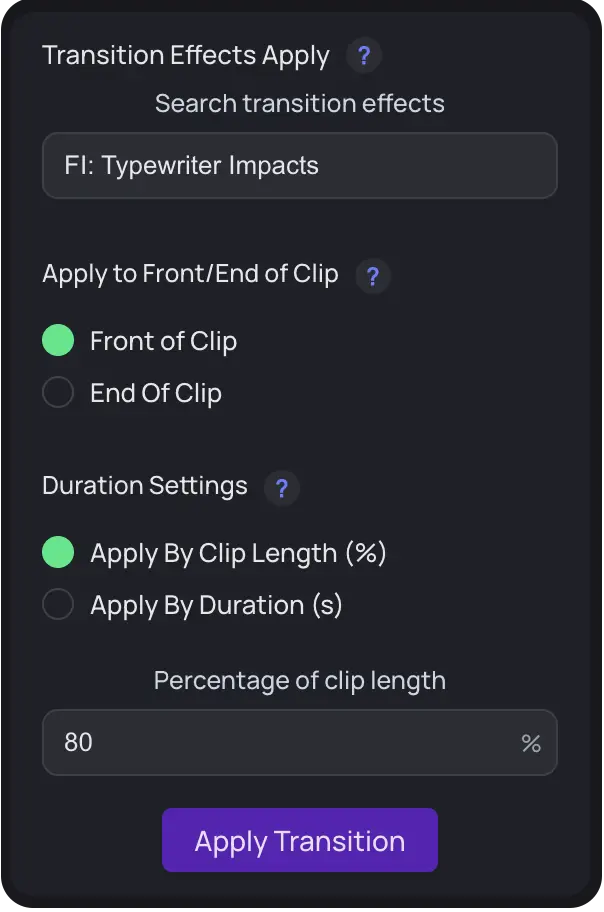
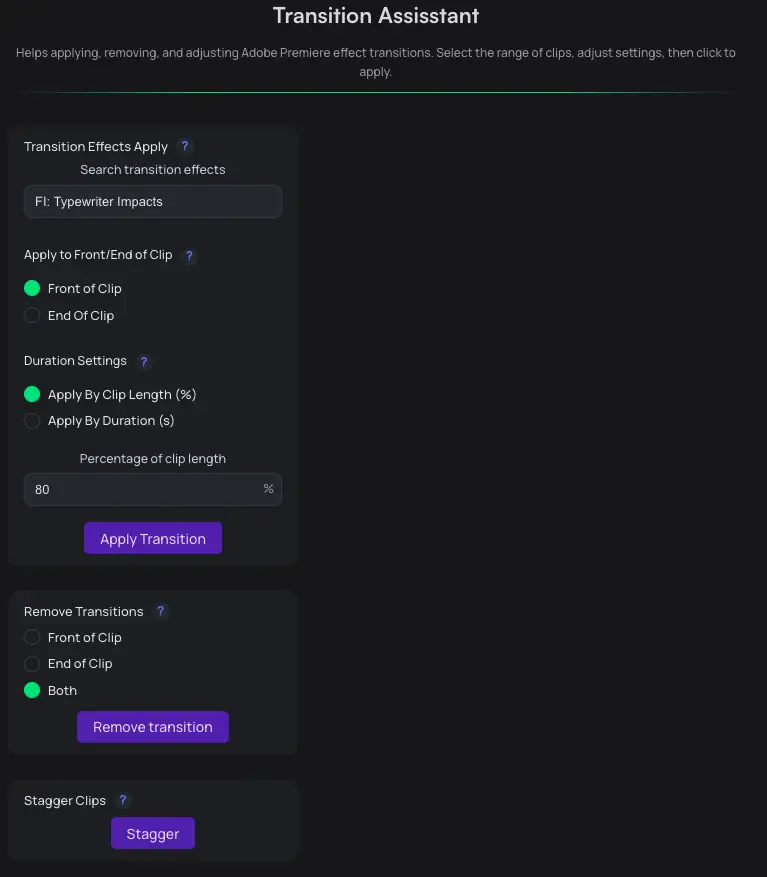
Apply Premiere Pro default transitions effects to all selected clips. Choose between applying based on percentage of clip duration or by your preferred duration length.
This feature is perfect for:
- Creating consistent transitions across multiple clips
- Saving hours on repetitive editing tasks
- Experimenting with transition timing quickly
Remove Transition
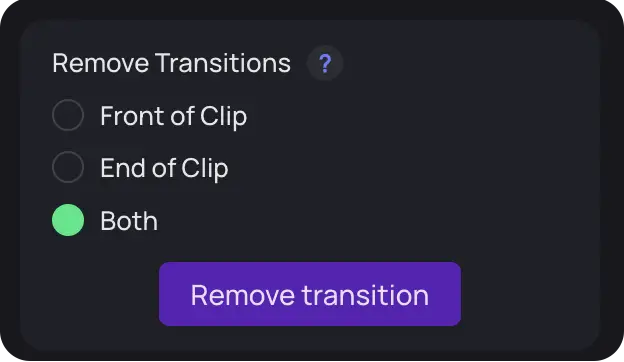
Does exactly what it says. Remove transitions of your selected clips. Have the removal options to choose between the front, end or on both sides of the clip.
Use this when you need to:
- Clean up existing transitions
- Remove unwanted effects from a section of your timeline
- Start fresh with new transition choices
Scatter Clips

The scatter function offsets every other selected clip by 1 track. This helps video editors have better control with transition effects in Premiere Pro in conjunction with our other tools.
This is especially useful for:
- Creating complex multi-layer transitions
- Building A/B roll sequences with precise alignment
- Organizing clips for advanced transition work
Key Features Summary
- Transition Effects Apply: Apply default transitions to all selected clips; choose percentage of clip duration or preferred duration.
- Remove Transition: Remove transitions from selected clips; choose front, end, or both sides.
- Scatter Clips: Offset every other selected clip by 1 track to aid transition control.
Where Can I Use the New Tool?
Users who have the Phantom Plugin can immediately start using the tool in version v1.2.5 and above in the Phantom Plugin.
Tips for Best Results
- Test different durations: Experiment with percentage-based vs. fixed-duration transitions to find what works best for your project.
- Use Scatter Clips strategically: Combine this with Transition Effects Apply to create sophisticated editing patterns.
- Layer your work: Apply transitions, then use Remove to fine-tune specific clips without affecting the whole sequence.
Conclusion
Transition Assistant transforms a repetitive, time-consuming task into a streamlined one-click process. If you're working with Phantom Plugin v1.2.5 or later, you have access to this powerful time-saver right now. Your future self will thank you for every hour saved!
Ready to speed up your workflow? Download the latest version of Phantom Plugin and start using Transition Assistant today.