
Adobe Premiere Pro Plugin v1.3.0 Update: All Range Markers, Deepgram AI & 49 Languages

Phantom v1.3.0: Adobe Premiere Pro Plugin Update & AI Transcription
For video editors working with long-form content, the new Adobe Premiere Pro plugin update in Phantom v1.3.0 is a game-changer. If you're looking to batch clip range markers in Premiere Pro or need accurate multilingual transcription inside Premiere, this update delivers.
With new support for Deepgram vs Speechmatics vs Whisper in Premiere, you have more AI choices than ever to speed up your workflow.
Key features in this update
- All Range Markers: Batch create clips from timeline markers instantly.
- Viral Spectre Languages: Now supports 49 languages including Arabic and Hindi.
- Echoe Scribe Providers: Added Deepgram and Speechmatics for higher accuracy.
- Transition Assistant: Fixed compatibility for Premiere Pro 26+.
Phantom v1.3.0 is now available! Here are the latest updates.
How does ‘All Range Markers’ work in Phantom for Premiere Pro?
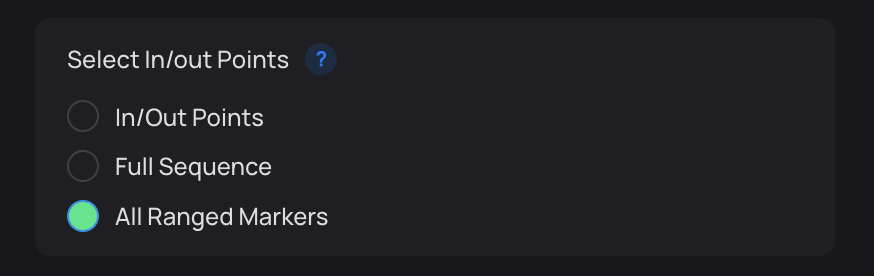
All Range Markers is a new mode inside the Clip & Reframe tool that uses Range Markers as In/Out points to automatically create multiple clips at once.
Instead of clipping sections one by one, you can:
- Review your footage in Adobe Premiere Pro
- Add Range Markers to every section you want to keep
- Click “All Range Markers” to instantly generate separate clips from each marked region
This allows you to batch-create multiple clips in one action, significantly reducing repetitive editing tasks and speeding up your workflow.
Why It Matters:
- Faster rough cuts
- Cleanly section long footage
- Batch clip highlights in seconds
- No manual in/out trimming per section
Check out the new tool in action:
- Add your ‘Range Markers’ to your sequence
- Select “All Ranged Markers” in Clip & Reframe
- Select your output settings (Folder, Ratio, Auto Reframe etc..)
- Click ‘Reframe’ and see the new “All Range Marker” function in action
In the video below the selected clips are cut based on the ‘range marker’ position, all directly into a specified bin.
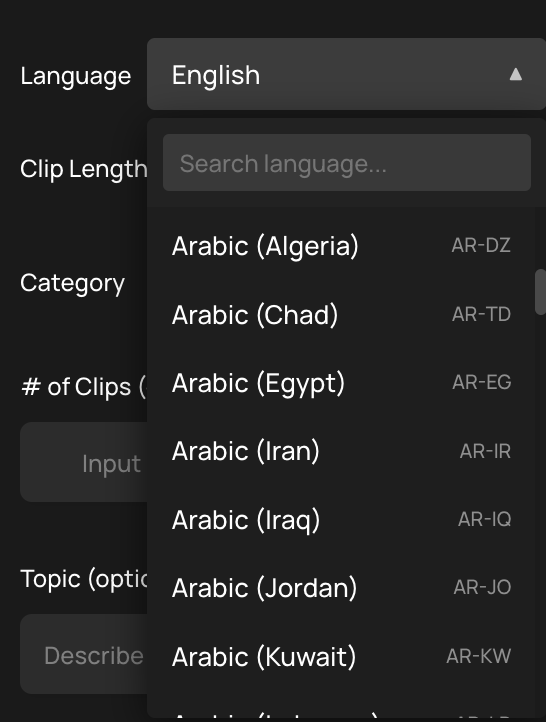
What 49 languages does the Viral Spectre Premiere Pro plugin support?
Viral Spectre now supports 30+ additional languages, bringing our total support to 49 different languages. This includes Farsi, Arabic, Hindi, Hebrew, and many more.
How do Deepgram and Speechmatics improve AI transcription in Premiere Pro?
AssemblyAI BYOK Issue Resolved
We’ve fixed the previous issue affecting AssemblyAI BYOK (Bring Your Own Key) support. If you were experiencing 400 errors when using your own AssemblyAI API key, the issue has now been resolved.
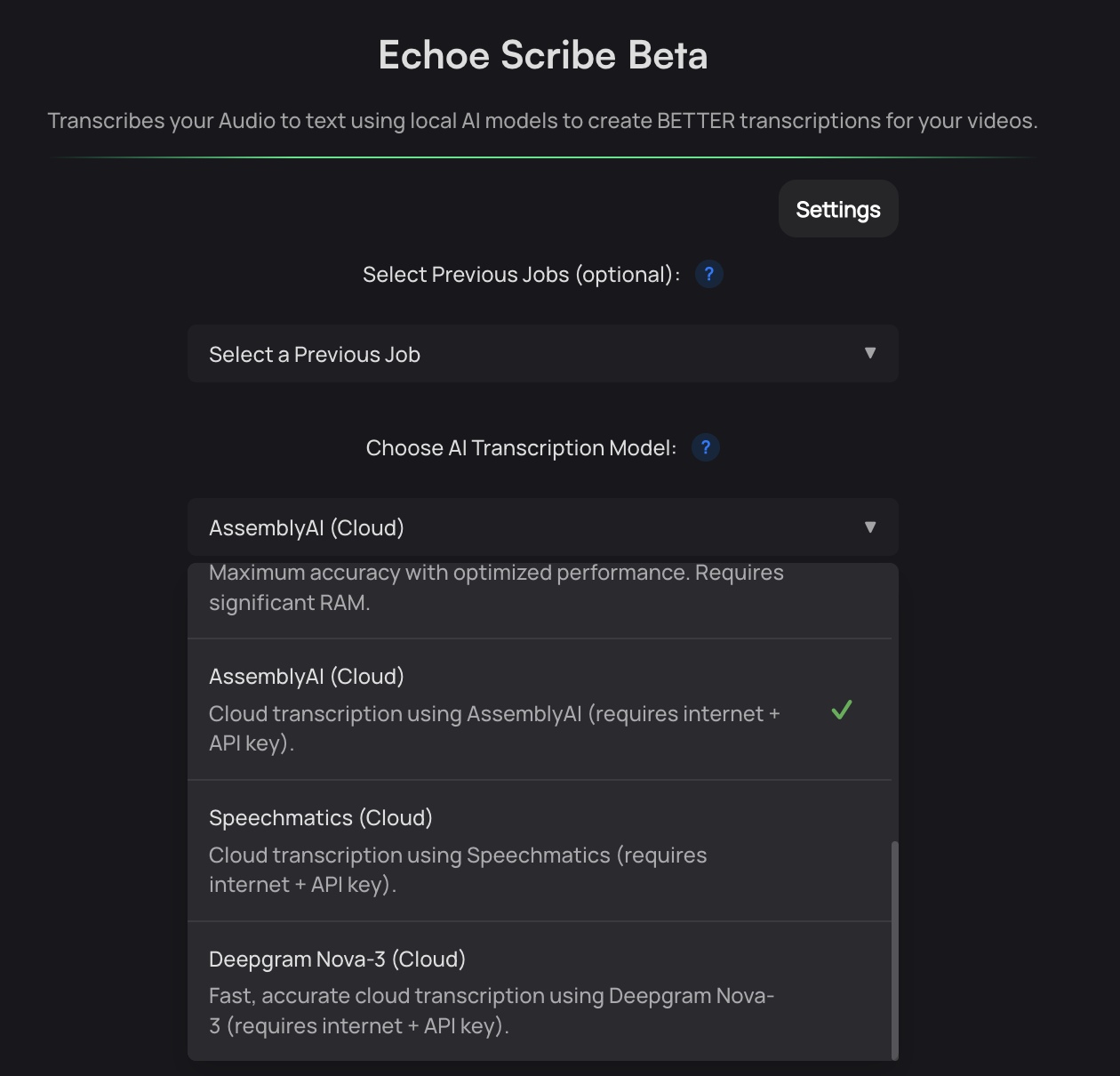
New AI Transcription Providers Added
Echoe Scribe now supports additional cloud-based AI transcription models:
Both providers offer highly accurate word recognition and timestamp precision, with strong multi-language support across dozens of languages and regional variants. This gives you more flexibility to choose the transcription engine that best fits your workflow.
Why Use an API Key?
AssemblyAI, Deepgram, and Speechmatics all offer generous free tiers for API usage.
Using a cloud API key typically provides:
- Higher transcription accuracy
- Better punctuation and formatting
- More precise timing data
- Improved performance compared to local Whisper models
For professional projects, we strongly recommend using an API key for best results.
AI Transcription models we now support
- OpenAi Whisper (Local)
- AssemblyAI (BYOK)
- Deepgram (BYOK)
- Speechmatics (BYOK)
Do I need to deactivate my license to update Phantom v1.3.0?
Previously, updating Adobe Premiere Pro or the Phantom Plugin required you to manually deactivate your license first. We recognize this wasn’t ideal.
With the release of Phantom v1.3.0, you’ll only need to complete the manual deactivation process one final time.
After this update:
- Future Phantom Plugin updates will no longer require license deactivation
- No more removing previous sessions from your dashboard
- A smoother, more seamless update workflow
This improvement streamlines license management and makes updating Phantom inside Premiere Pro faster and more user-friendly.
Is Transition Assistant compatible with Adobe Premiere Pro 26+?
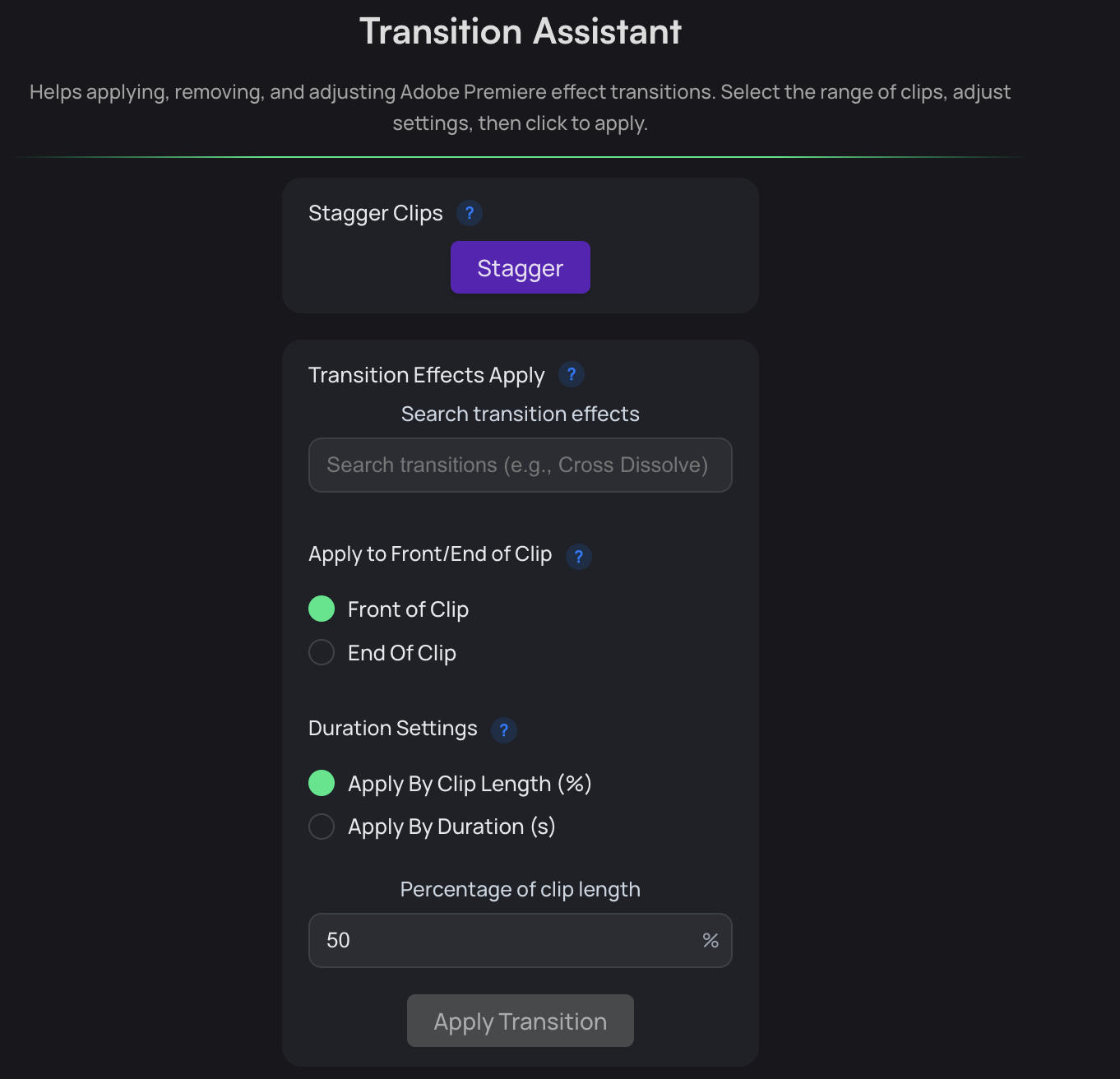
Transition Assistant has been updated to align with Premiere Pro 26+’s new effect naming structure, specifically for Film Impact transition effects.
Pros:
- Full support for Film Impact effects in Premiere Pro 26+
- Forward-compatible with future Premiere versions
- Reliable effect application without errors
⚠️ Important: Film Impact effects in Premiere Pro 25 and earlier are no longer supported within Transition Assistant. If you’re running Premiere 26 or later, everything will work as expected.
How to update: Head over to your user dashboard and download the latest version!
