
Technical Guide
ZXP Installation
A detailed guide on using the ZXP Installer method. This is the most reliable way to install Adobe extensions on both macOS and Windows.
Why ZXP Installer?
Adobe extensions are packaged in .zxp format. While there are several installers available, we recommend the aescripts ZXP Installer for the most reliable experience. It handles permissions and file placement automatically.
Common IssueIf the ZXP Installer fails to open or install, try running it as Administrator (Windows) or ensure you have the latest version installed.
Step 01
Download ZXP Installer
Download the free ZXP Installer tool from aescripts to easily install Adobe extensions.
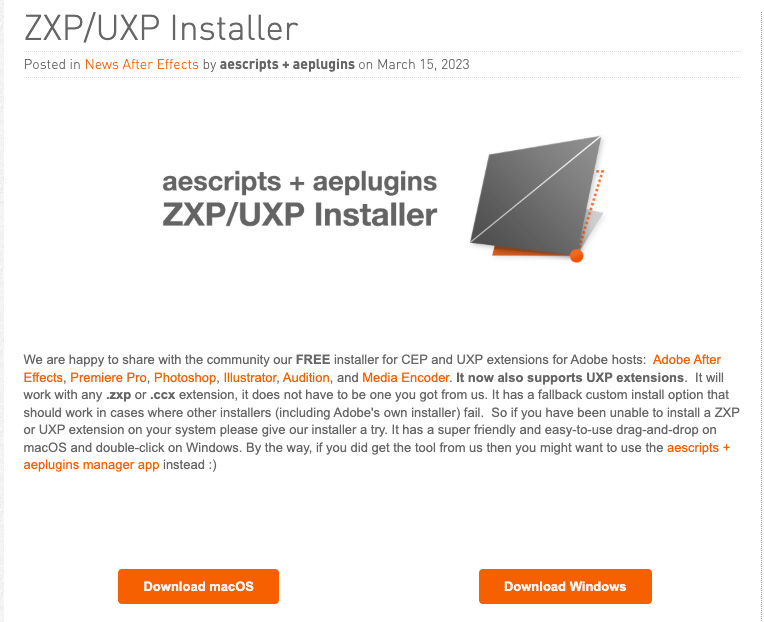
- Visit the aescripts ZXP Installer page
- Download the appropriate version for your operating system (macOS or Windows)
- Install the ZXP Installer application on your computer
- Launch the ZXP Installer once installation is complete
Step 02
Install the Extension
Use ZXP Installer to install your Phantom Editor extension with a simple drag-and-drop or click.
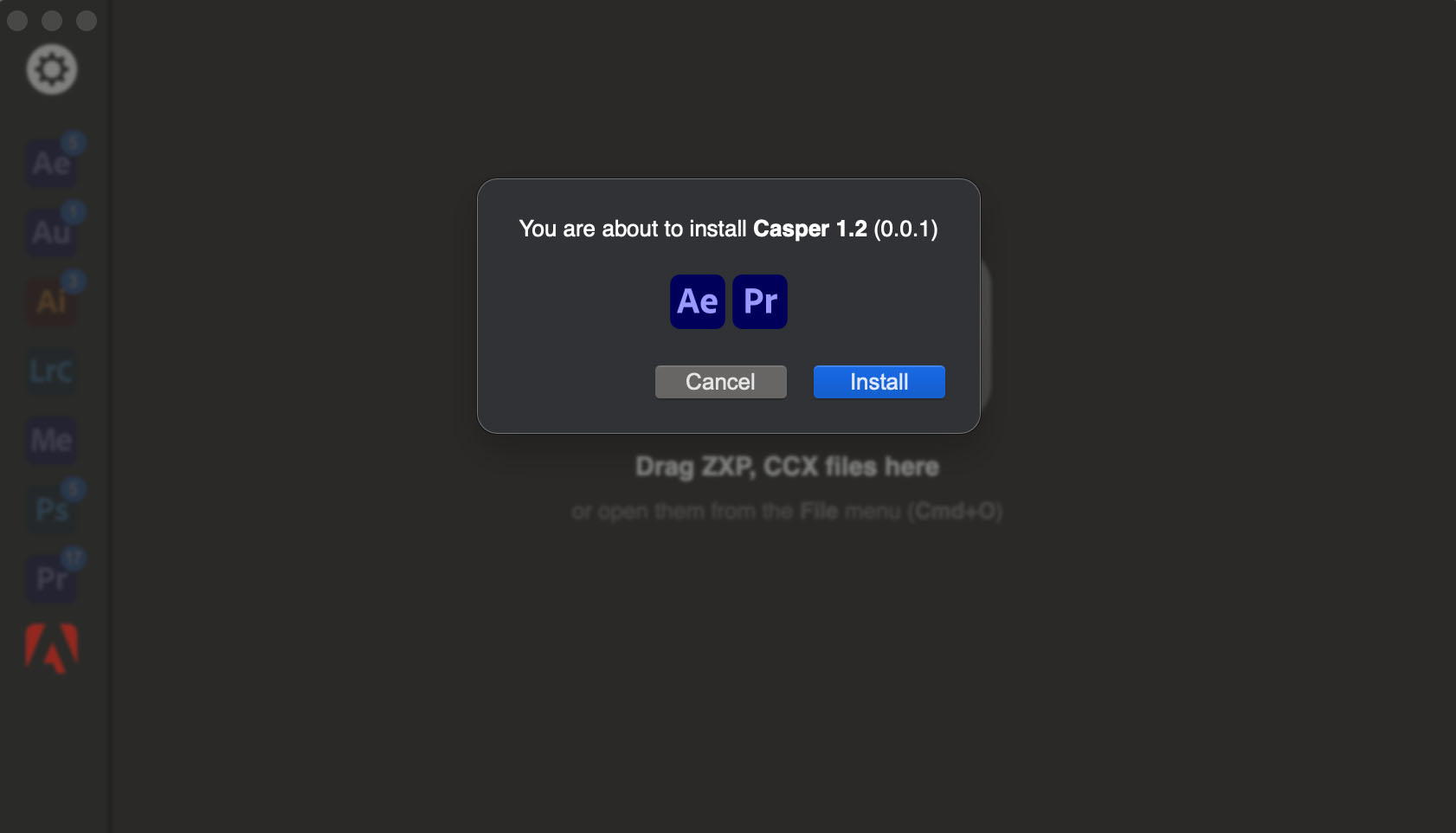
- Open the ZXP Installer application
- Either drag and drop the .zxp file into the ZXP Installer window
- Or click on the .zxp file to open it with ZXP Installer
- Wait for the installation to complete successfully
